Why Is My Wi-Fi Slow at Night but Fine in the Morning?
Evening slowdowns are usually neighbourhood congestion, not your router. How to tell congestion from a fault in five minutes.
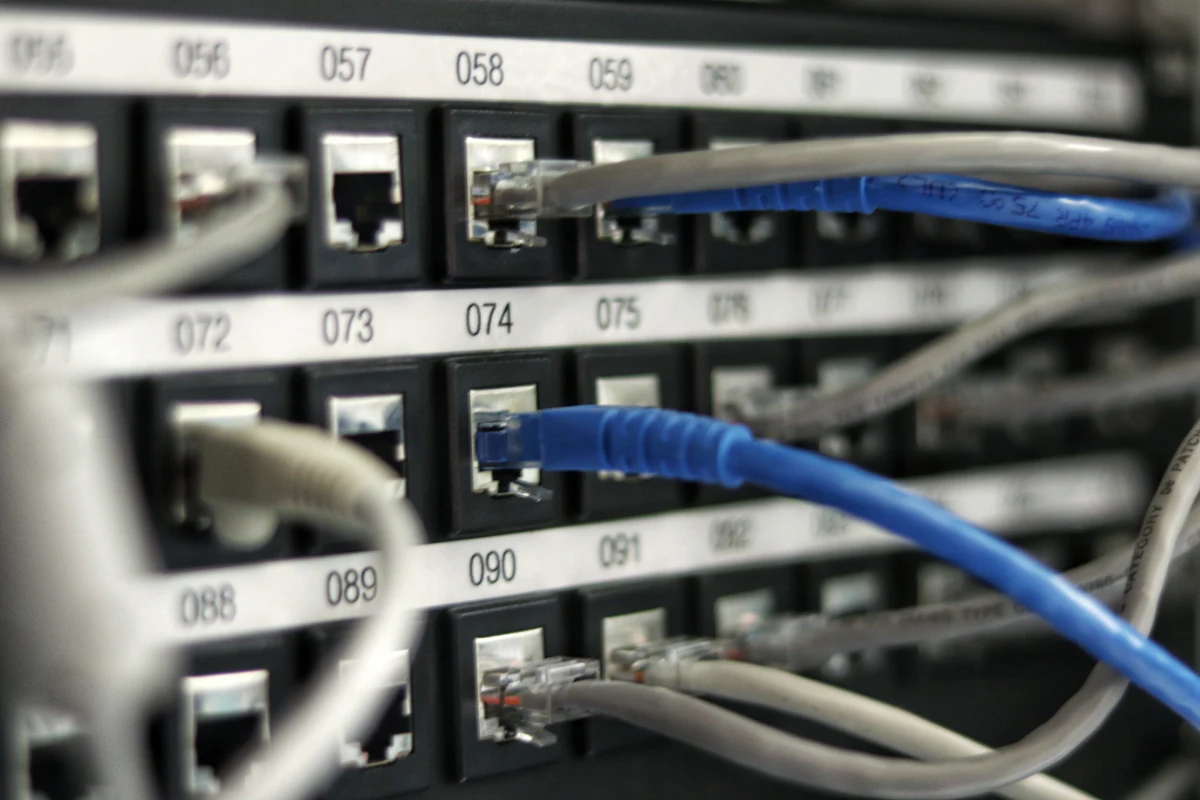
Short answer: Between about 7pm and 11pm your neighbours are streaming too, and on many connection types you share local capacity with them. If speedtests are fine at 9am and poor at 9pm on both wifi and a cable, the bottleneck is outside your home and only your provider can fix it.
The pattern is the diagnosis. Random slowness points at your equipment; clockwork slowness every evening points at congestion. Before changing anything, run a speed test at both times of day and write the numbers down.
What the test results mean
| Result | Likely cause | What to do |
|---|---|---|
| Slow on wifi and cable, evenings only | Network congestion in your area | Report pattern to provider; ask about capacity |
| Slow on wifi, fine on cable | Wifi interference from neighbours' routers | Change wifi channel or band (5 GHz) |
| Slow only in one room | Coverage, not congestion | Move the router or add a mesh node |
| Slow at random times | Equipment or line fault | Restart router, check cables, then call provider |
Streaming is usually the first thing to suffer, and it is also the first place to claw value back — how to cut your streaming bill without losing what you watch covers the money side. If your whole setup feels slow rather than just evenings, do browser extensions slow down your computer is worth a look too.
The five-minute wifi channel fix
- Log into your router's admin page (the address is printed on the router).
- Find the wireless settings and look for 'channel'.
- On 2.4 GHz, choose channel 1, 6 or 11 — whichever a wifi analyser app shows as quietest.
- On 5 GHz, switch on if it is off; it is far less congested in most neighbourhoods.
- Re-test at 9pm the same day.
Want to go further? Read our guide on Is Charging Your Phone Overnight Actually Bad? or browse everything in Technology.
Frequently asked questions
- Can my neighbours actually slow down my internet?
- On cable and some wireless connections, yes — capacity is shared locally. On full fibre to the home, congestion is much rarer.
- Will a new router fix evening slowness?
- Only if your current router is the bottleneck, which a wired test will reveal. Congestion outside your home survives any router upgrade.
- Is 5 GHz wifi the same as 5G mobile?
- No. 5 GHz is a wifi frequency band; 5G is a mobile network generation. The names are a coincidence.
- Should I complain to my provider?
- Yes, with evidence. A week of morning and evening speed tests is hard for them to dismiss.
Sources & references
About the author

Daniel Okoye
Technology Writer
Daniel tests consumer hardware and software and explains what actually changes for everyday users, without the marketing language.
All articles by Daniel Okoye →Related articles

Is Charging Your Phone Overnight Actually Bad?
Modern phones stop drawing full power once they hit 100%, so the real damage comes from heat and long spells at a full charge.
· 6 min read

Why Does an AI Assistant Get Your Question Wrong? Five Fixes That Work
Most bad answers come from missing context, not a weak model. The five rewrites that turn a vague prompt into a usable one.
· 6 min read

How to Make an Old Laptop Usable Again Instead of Replacing It
An SSD and more RAM beat any software tweak. What a 60 EUR upgrade fixes, and when the machine is genuinely finished.
· 7 min read

Why Is My Phone Battery Draining Overnight? The Checks in Order
If you lose more than 5-10% overnight, something specific is running. How to find it in the battery menu without installing anything.
· 5 min read
Read next
Why Does an AI Assistant Get Your Question Wrong? Five Fixes That WorkMost bad answers come from missing context, not a weak model. The five rewrites that turn a vague prompt into a usable one.
Comments
Questions, corrections and experiences from readers are welcome. We read everything and update articles when you spot something wrong. Please keep it civil — see our comment policy.
No comments on this article yet — be the first.