How Much RAM Do You Actually Need in a Laptop?
8 GB, 16 GB or 32 GB — what each tier genuinely covers, and why soldered memory changes the maths.
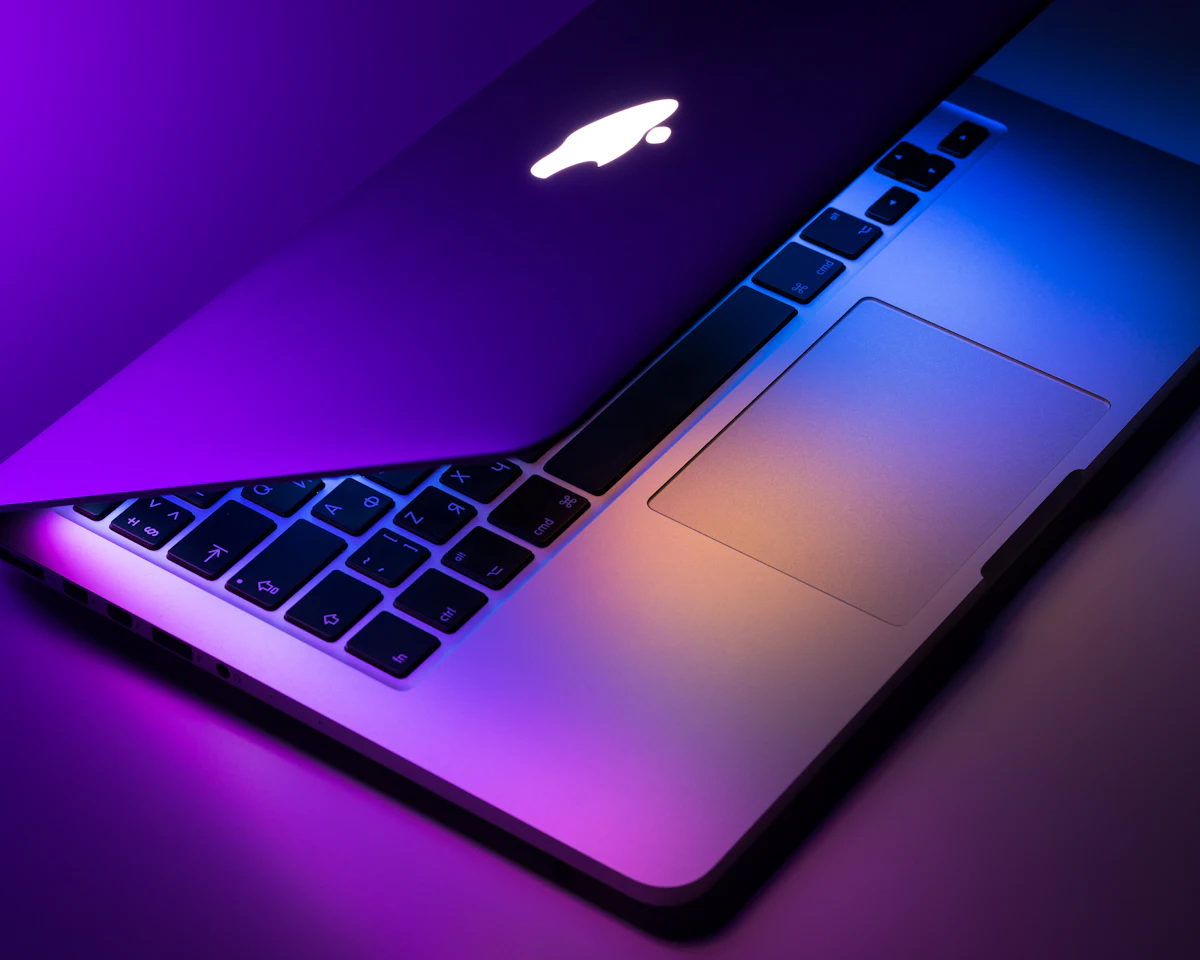
Short answer: Buy 16 GB unless you have a specific reason not to. 8 GB is still fine for browsing, email and documents, but it leaves no headroom once you keep thirty tabs open alongside a video call. 32 GB only earns its price for video editing, virtual machines, large photo libraries or datasets that do not fit in memory.
Memory is the one component you usually cannot change later. Most thin laptops solder it to the board, so the amount you choose at checkout is the amount you live with for the life of the machine. That makes it worth a minute of thought even when the upgrade looks expensive.
What each tier really covers
| RAM | Comfortable for | Starts to struggle with |
|---|---|---|
| 8 GB | Browsing, office documents, streaming, light photo edits | Many tabs plus a video call, or any virtual machine |
| 16 GB | Everyday work, dozens of tabs, photo editing, light code | 4K video timelines, several VMs at once |
| 32 GB | Video editing, VMs, large datasets, heavy design work | Little — this is headroom for specialists |
Why swap space is not a substitute
When memory runs out the system moves pages to the SSD. Modern drives make this fast enough that you may not notice for a while, but it costs write cycles and adds stutter at exactly the wrong moment — mid-call, mid-render, mid-save. Treat swap as a safety net, not a plan.
How to check what you use today
- Work a normal day with everything you usually keep open.
- On Windows open Task Manager, Performance, Memory; on macOS open Activity Monitor, Memory.
- Look at 'in use' at your busiest point, and on macOS at memory pressure — sustained yellow means you want more.
- Add roughly 50% headroom to that figure and round up to the next tier.
Want to go further? Read our guide on Is Charging Your Phone Overnight Actually Bad? or browse everything in Technology.
Frequently asked questions
- Is 8 GB enough in 2026?
- For browsing, streaming and office work, yes. For heavy multitasking or creative work, no — you will hit swap regularly.
- Does more RAM make a laptop faster?
- Only if you were running out. Beyond your actual usage, extra memory sits idle and changes nothing.
- Can I upgrade RAM later?
- On most thin-and-light laptops, no — it is soldered. Larger business and gaming models often still have SODIMM slots.
Sources & references
About the author

Daniel Okoye
Technology Writer
Daniel tests consumer hardware and software and explains what actually changes for everyday users, without the marketing language.
All articles by Daniel Okoye →Related articles

Is Charging Your Phone Overnight Actually Bad?
Modern phones stop drawing full power once they hit 100%, so the real damage comes from heat and long spells at a full charge.
· 6 min read

Why Does an AI Assistant Get Your Question Wrong? Five Fixes That Work
Most bad answers come from missing context, not a weak model. The five rewrites that turn a vague prompt into a usable one.
· 6 min read
How to Make an Old Laptop Usable Again Instead of Replacing It
An SSD and more RAM beat any software tweak. What a 60 EUR upgrade fixes, and when the machine is genuinely finished.
· 7 min read

Why Is My Phone Battery Draining Overnight? The Checks in Order
If you lose more than 5-10% overnight, something specific is running. How to find it in the battery menu without installing anything.
· 5 min read
Read next
Why Does an AI Assistant Get Your Question Wrong? Five Fixes That WorkMost bad answers come from missing context, not a weak model. The five rewrites that turn a vague prompt into a usable one.
Comments
Questions, corrections and experiences from readers are welcome. We read everything and update articles when you spot something wrong. Please keep it civil — see our comment policy.
No comments on this article yet — be the first.